Happy2CRM product
Build a calmer sales engine from first lead to closed deal.
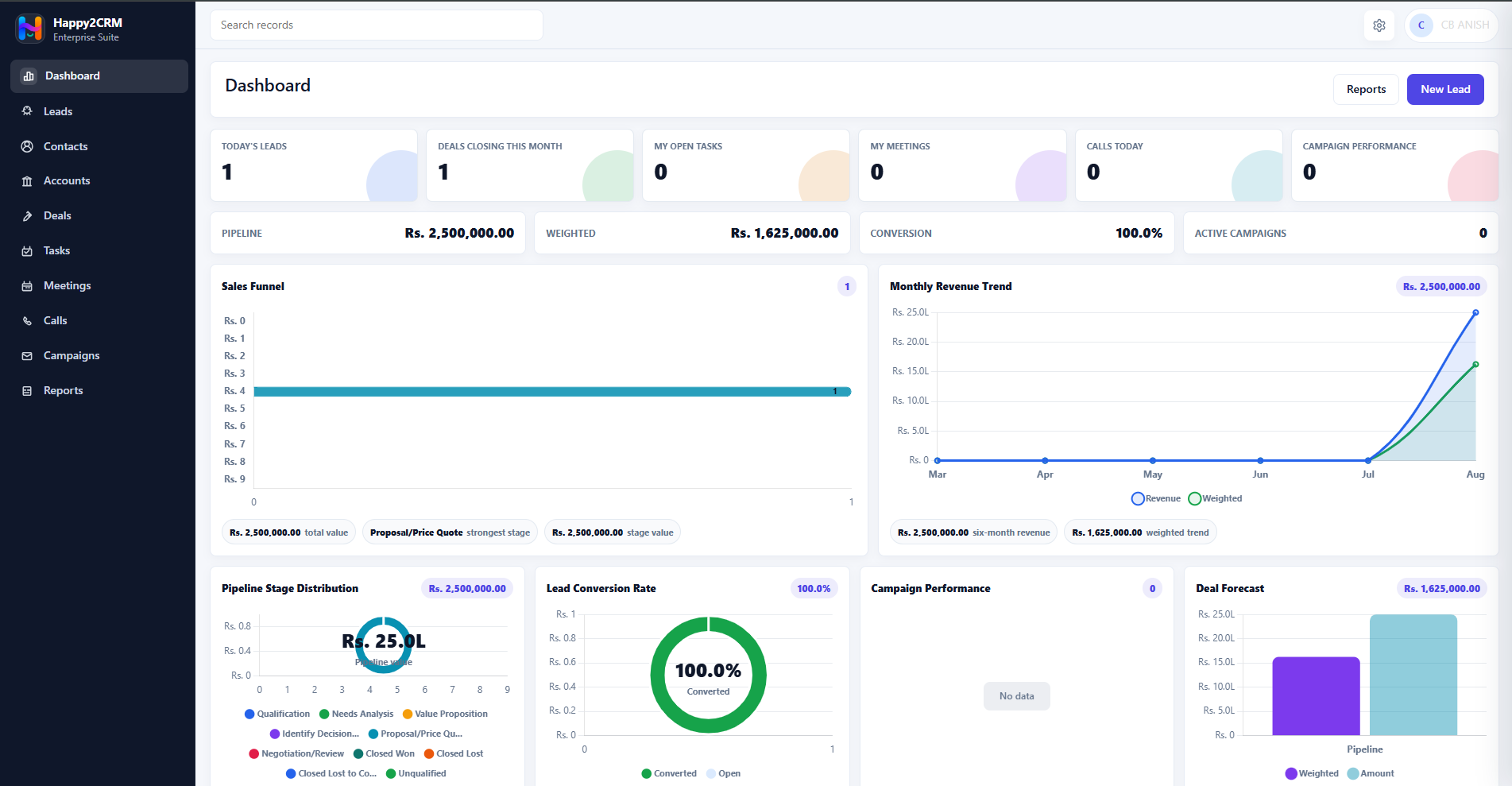
Happy2CRM brings leads, contacts, accounts, deals, activities, campaigns and reports into one focused workspace, so teams can see the next action clearly and keep every customer conversation moving.
Leads Deals Tasks Reports MFA & RBAC
CRM dashboard
Workspace screen
Product screens
See the CRM your team actually uses.
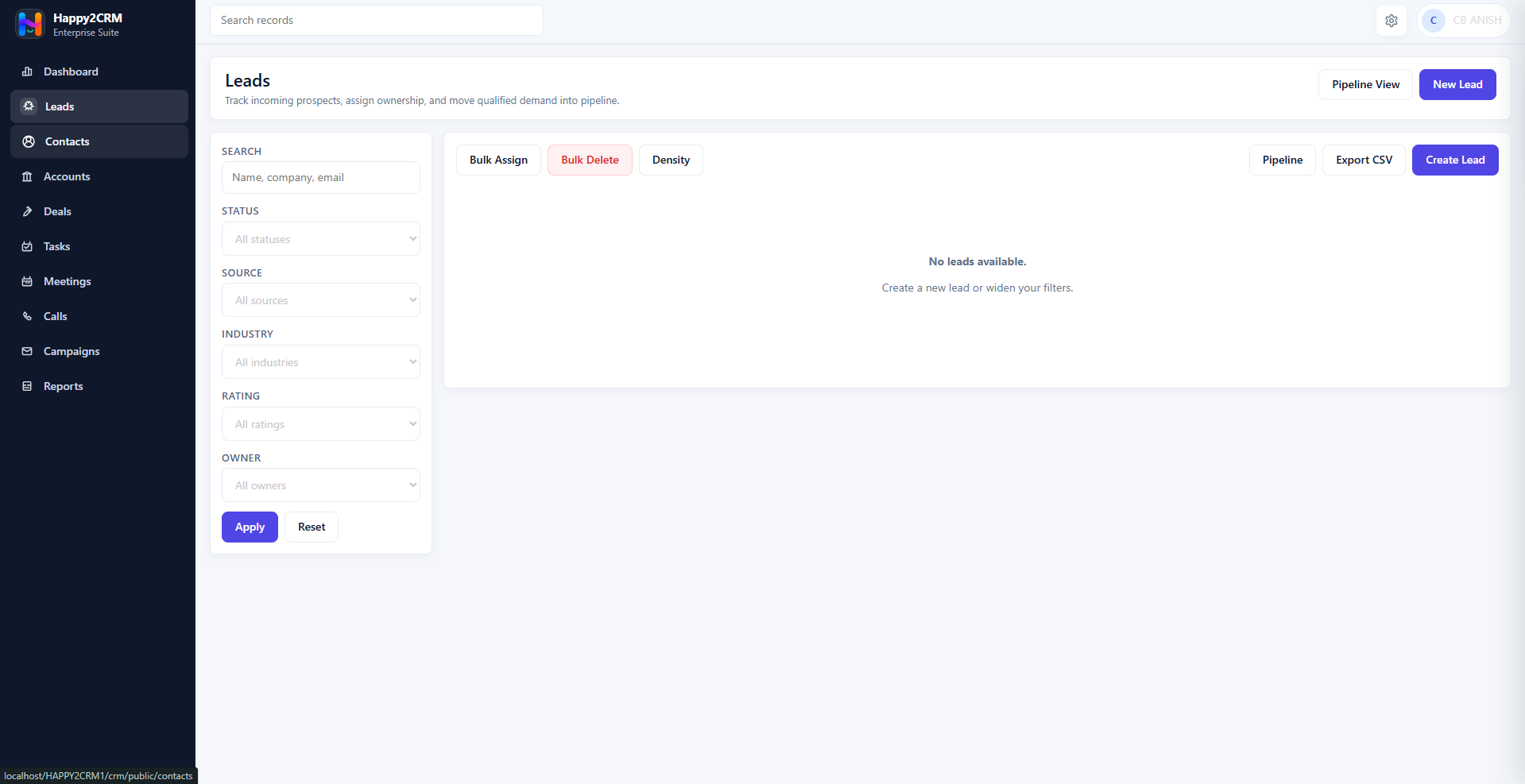
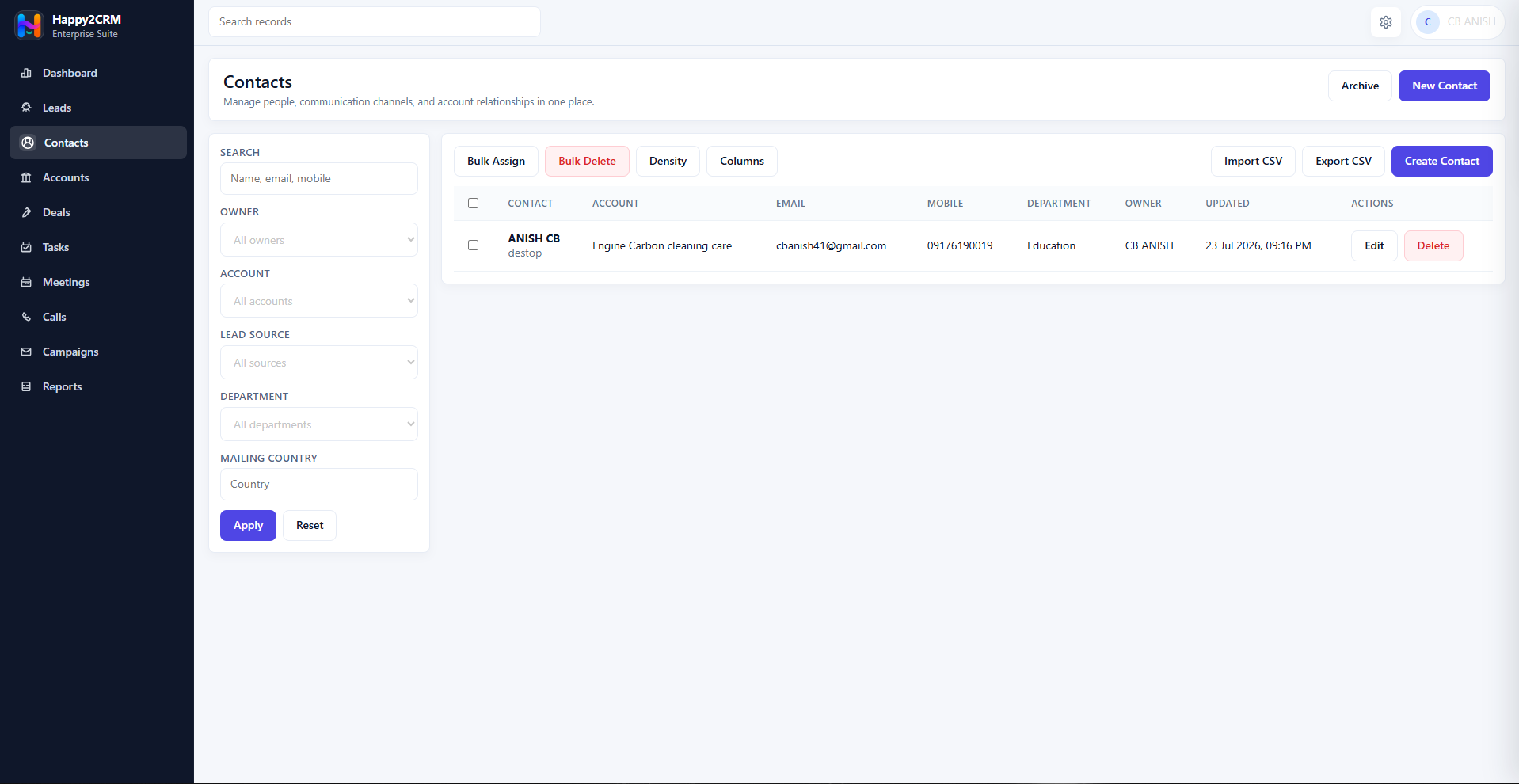
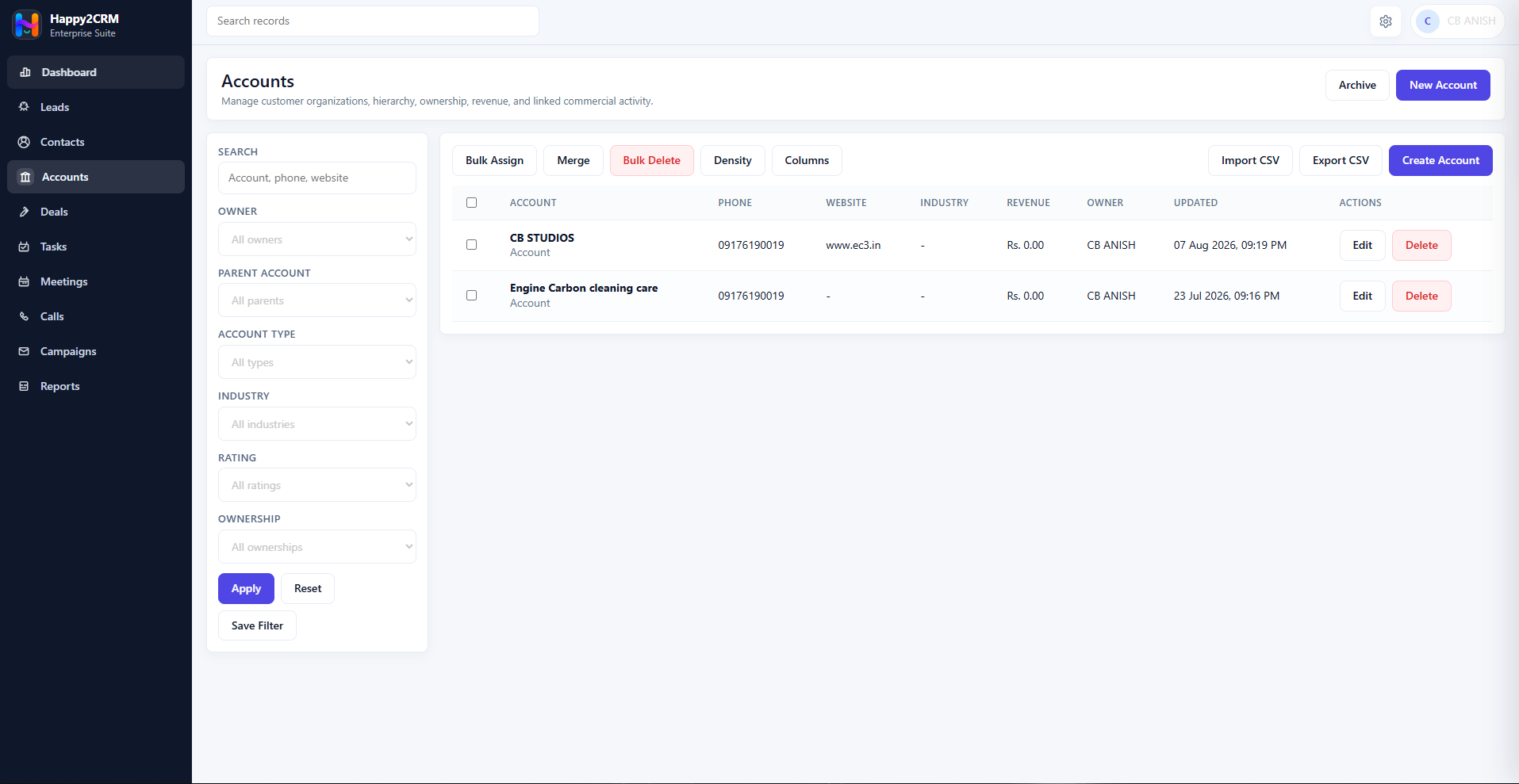
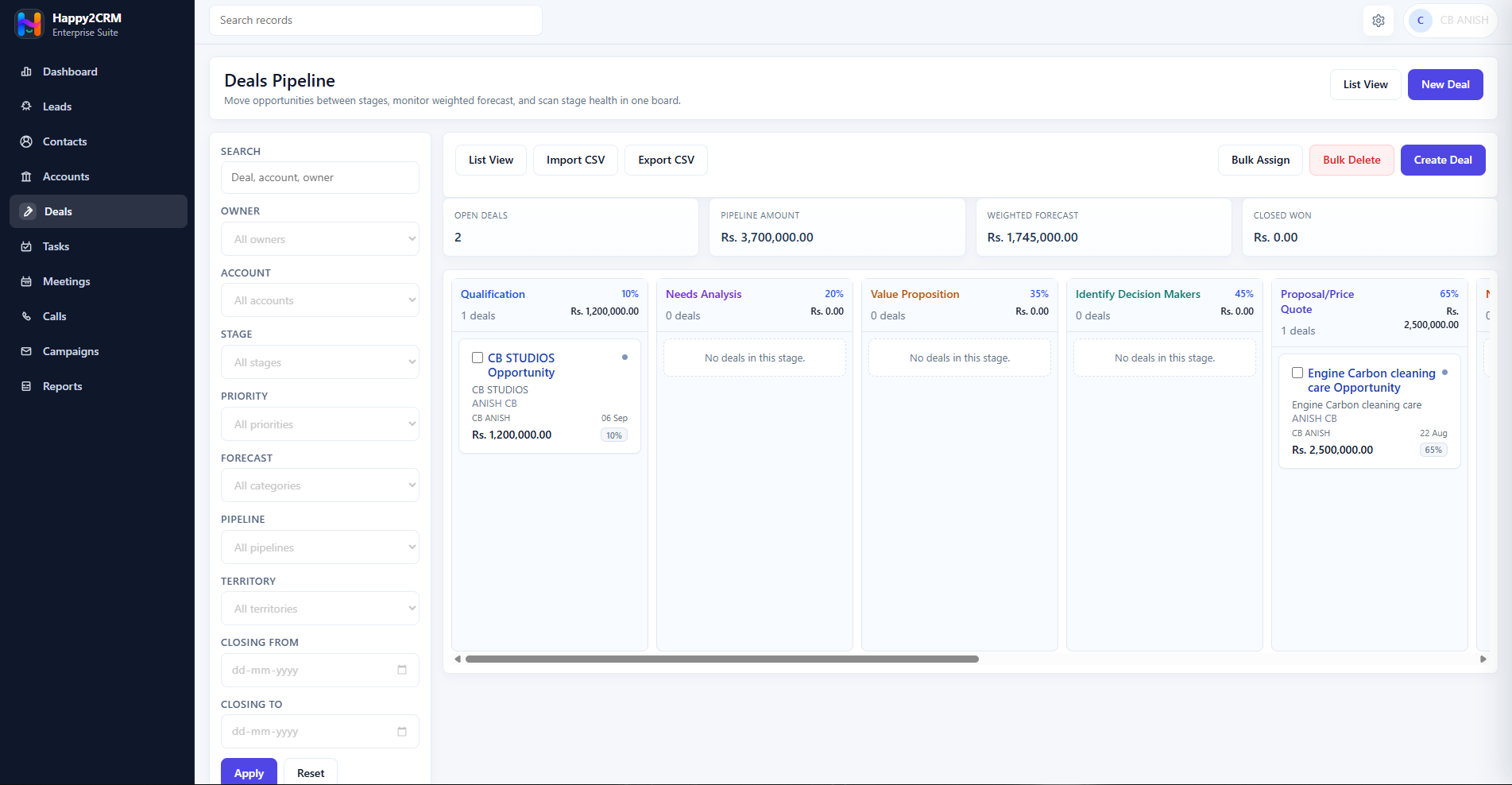
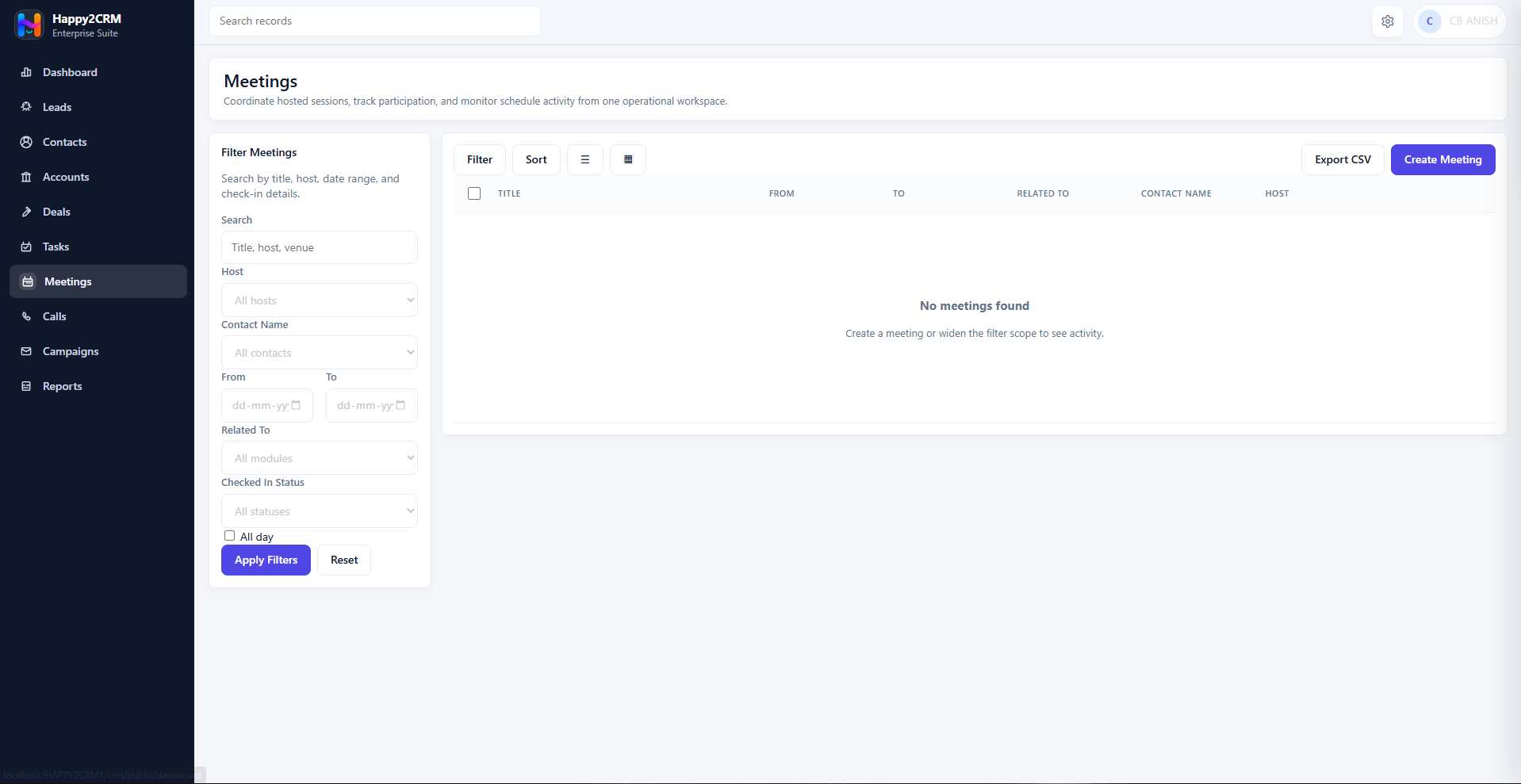
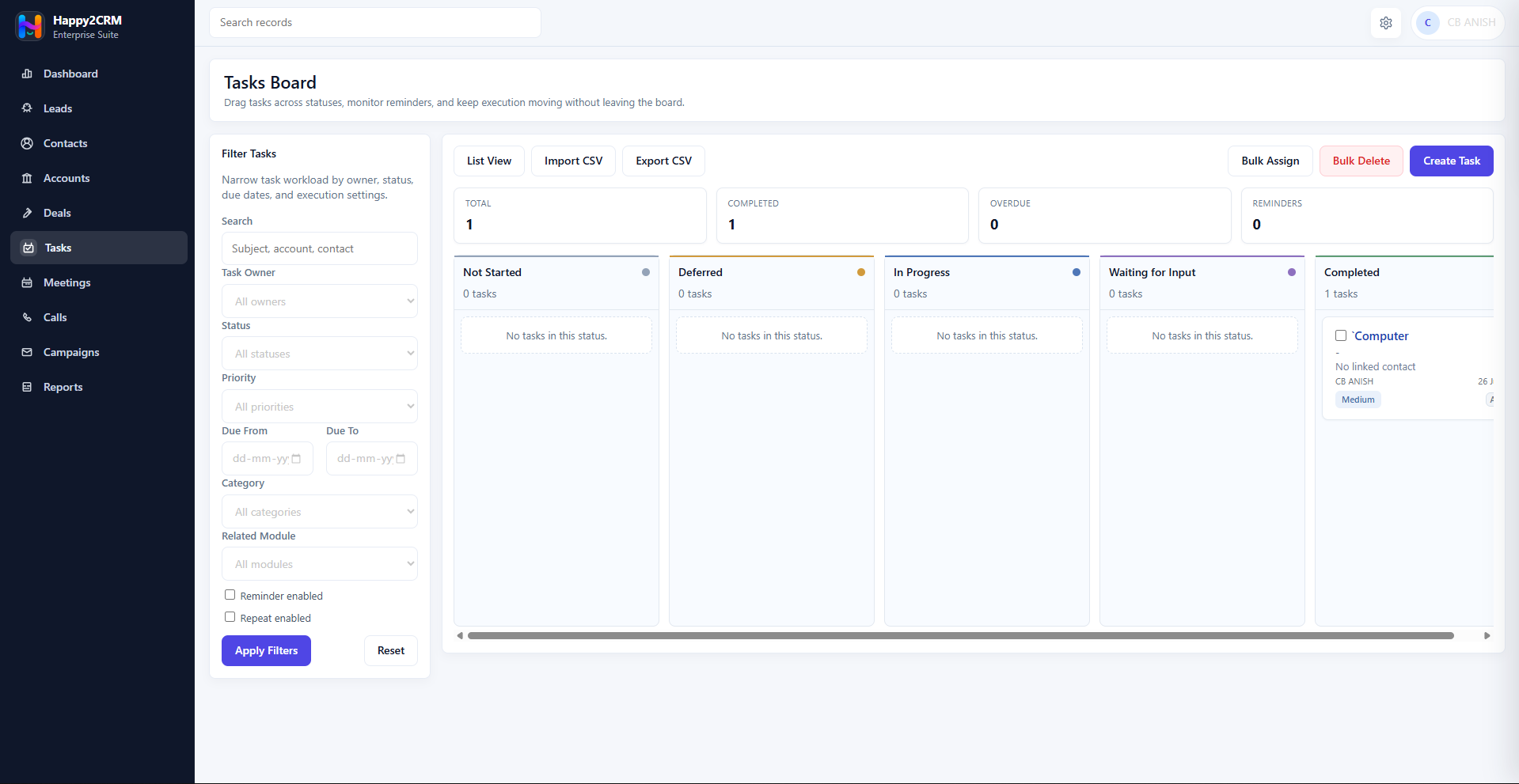
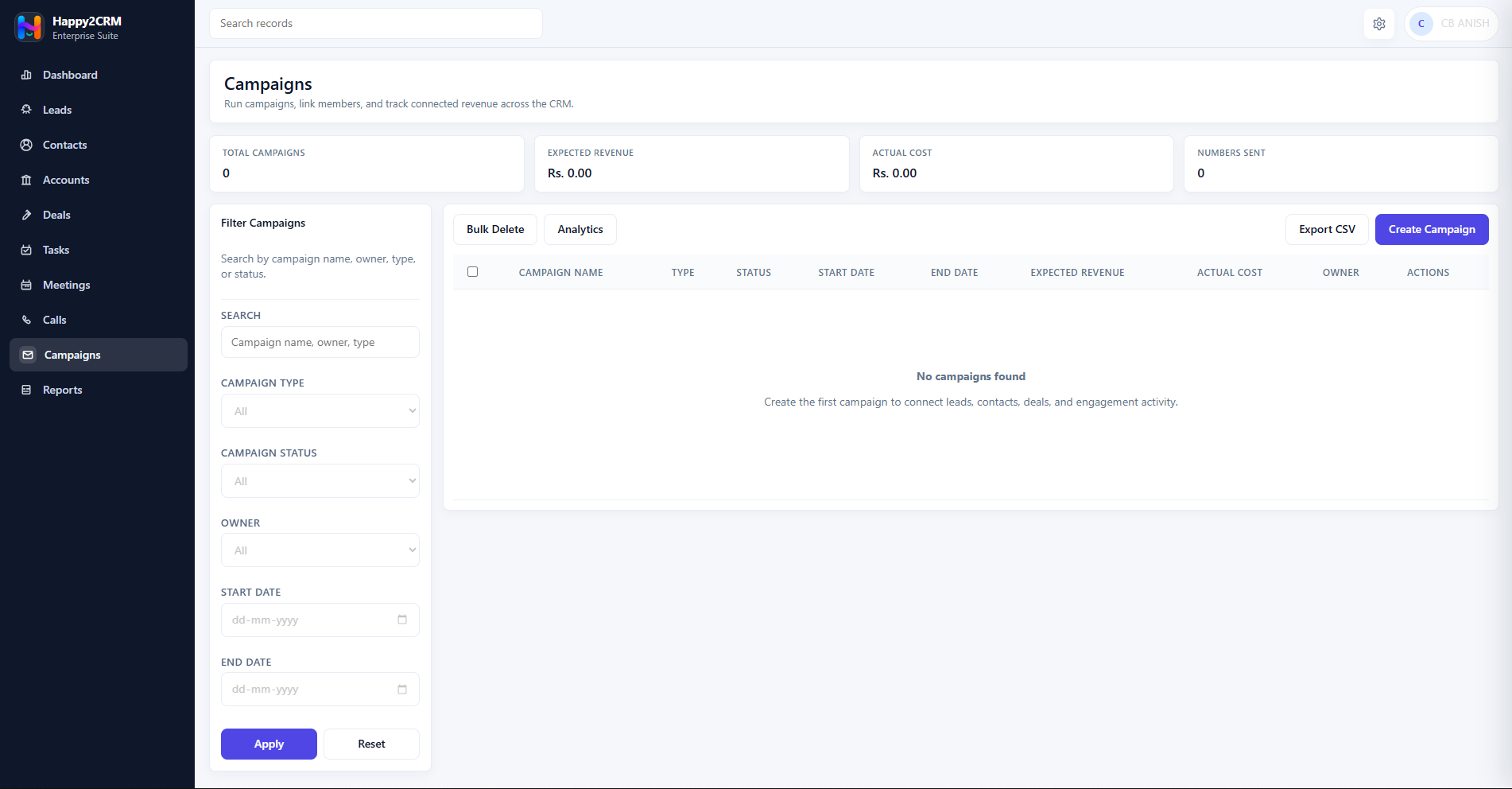
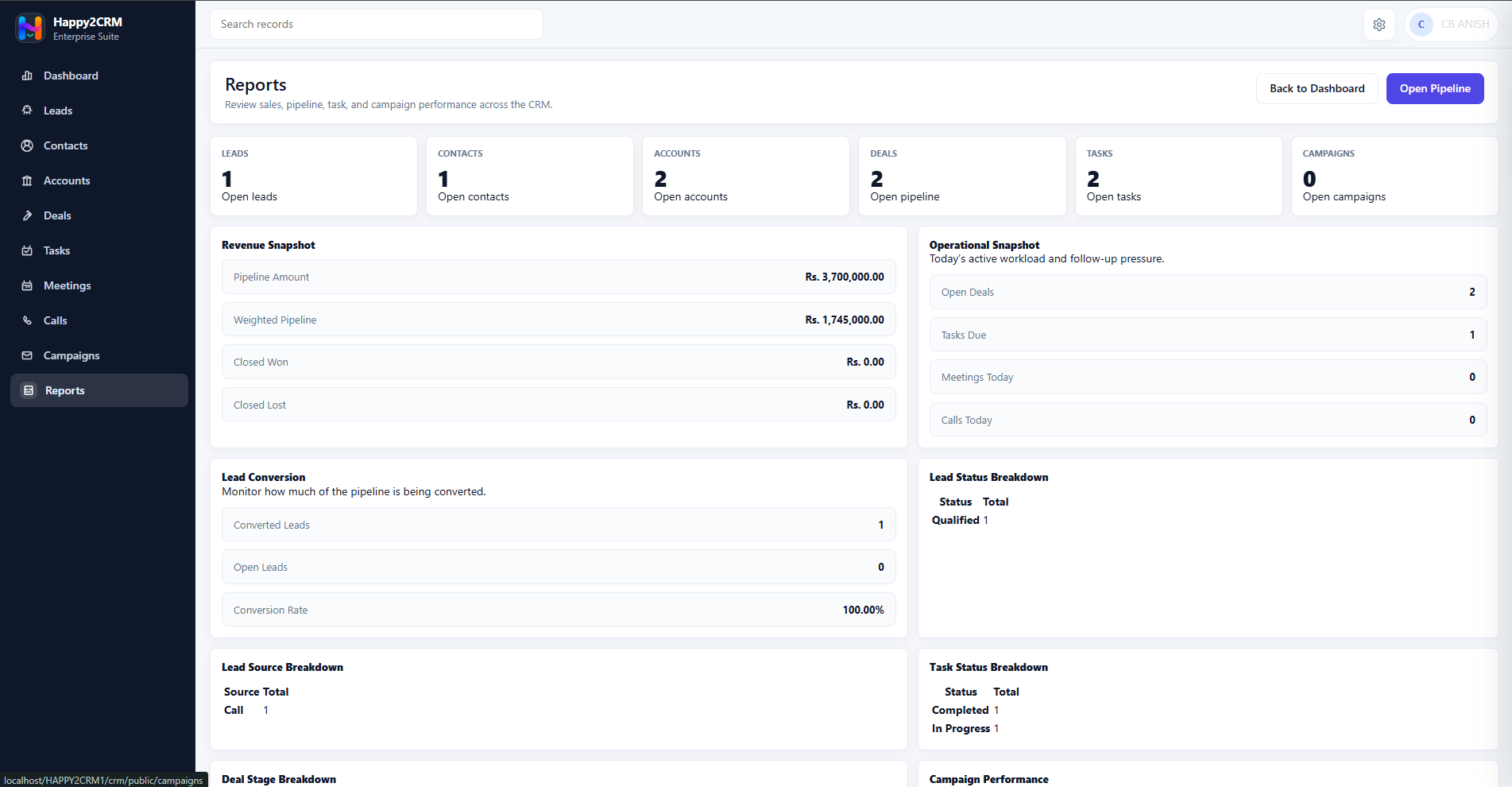
These screens come from the current Happy2CRM workspace: dashboard analytics, lead management, contacts, accounts, deal pipeline, meetings, task board operations, campaigns and reports.
Implemented modules
Everything your sales team needs to keep work moving.
Happy2CRM is organized around the practical sales path already implemented in the product: capture records, qualify opportunities, schedule follow-ups, coordinate meetings and calls, and review progress through dashboards and reports.
Customer context
Know what happened before the next call.
Contacts, accounts, tasks, meetings and calls are presented as one operating context. Teams can see the record, the activity history and the next action without jumping between disconnected tools.
Contact recordsMeeting calendarCall recordsTask ownership
Supported sales path
A practical CRM workflow from first lead to report.
This workflow is built from implemented Happy2CRM modules and avoids promoting future-only capabilities.
Administration
Settings built for real CRM operations.
The CRM setup area includes users, roles, profiles, company settings, email and SMS notifications, workflow rules, backups, imports, audit logs, support access and subscription billing.
AuthenticationLogin, signup, password reset, MFA and recovery-code support
Access controlUsers, roles, profiles and permission controls
SubscriptionPlan, feature and usage guard services
OperationsWorkflow rules, audit logs, backups and imports
Pricing
CRM plans loaded from the Happy2Office pricing configuration.
The pricing cards use the shared subscription configuration used by the website and backend enforcement.
Business outcomes
Sales software that feels structured, not crowded.
Clear follow-ups
Tasks, meetings and calls make next actions visible across sales records.
Pipeline visibility
Leads and deals help teams understand where opportunities stand.
Operational review
Dashboards, reports and exports support weekly sales review.
Customer readiness
Built to support serious sales operations.
This section focuses on implemented Happy2CRM capabilities that matter before a team adopts a CRM.
Secure access model
MFA, recovery-code support, role controls, sessions and audit logging are represented in the CRM setup surface.
Operational records
Leads, contacts, accounts, deals, tasks, meetings, calls and campaigns are modeled as practical CRM workspaces.
Review-ready reporting
Dashboards and reports support weekly review of pipeline value, conversion, forecasts and activity movement.
Resources
Learn the product by workflow, not guesswork.
Explore setup guidance, solution journeys and plan information from the Happy2Office website without leaving the product story.
FAQ
Clear answers about current Happy2CRM capabilities.
Does Happy2CRM include role-based access control?
Yes. Users, roles, profiles and permission controls are implemented in the CRM setup area.
Are imports and exports available?
Yes, for implemented modules where import and export endpoints exist, subject to the selected subscription plan.
Does this page advertise future-only modules?
No. The page describes modules found in the current CRM routes, APIs, services and setup pages.
Start with the CRM your product already supports.
Use your Happy2Office account to access the CRM workspace through the central authentication portal.